Features
Features built for your schedule
Enter your dates once and use them everywhere: full-month views, structured weeks, or focused daily planners. Add holidays, pull in internet calendars like Google Calendar, and export clean PDFs ready for the printer.
- Enter once, print in month, week, and day layouts
- Custom events, holidays, and recurring reminders that carry forward each year
- Internet calendars (Google Calendar, iCal feeds) alongside your own events
- PDFs sized for home printers and office copiers
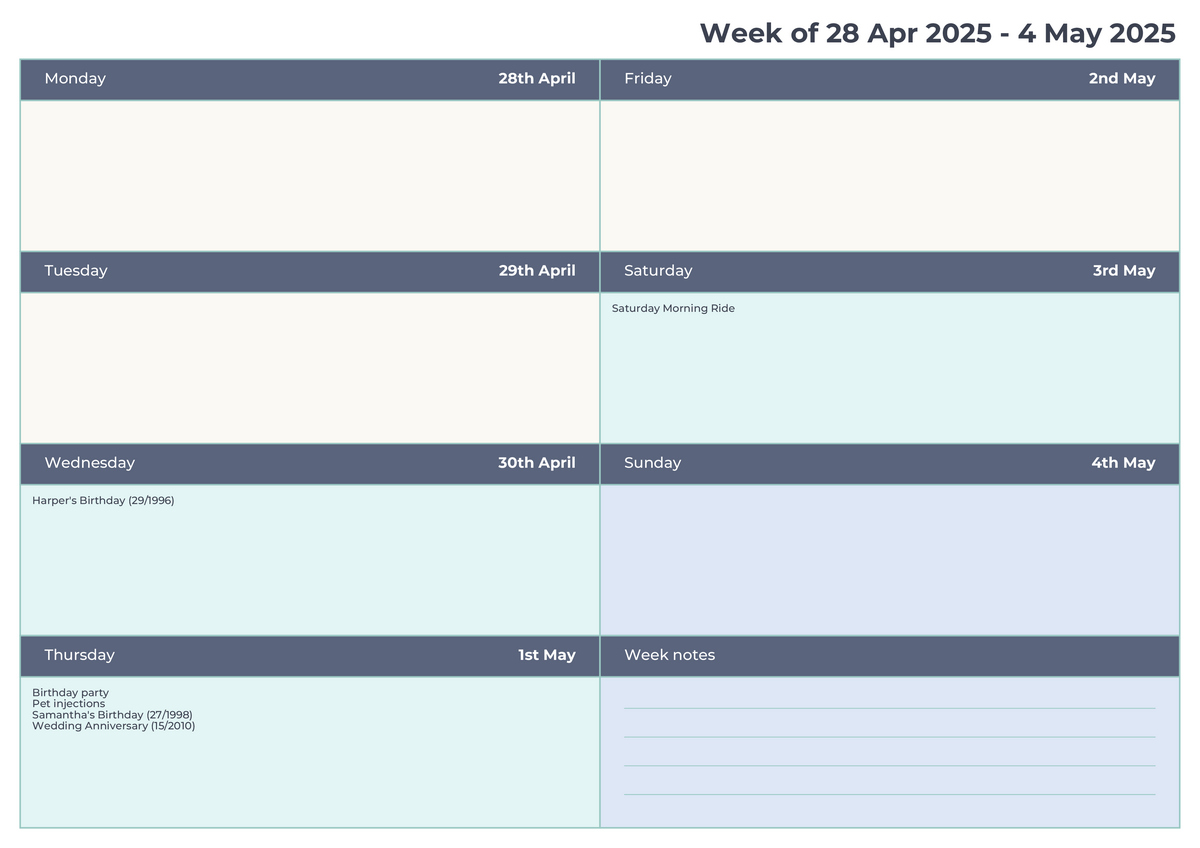
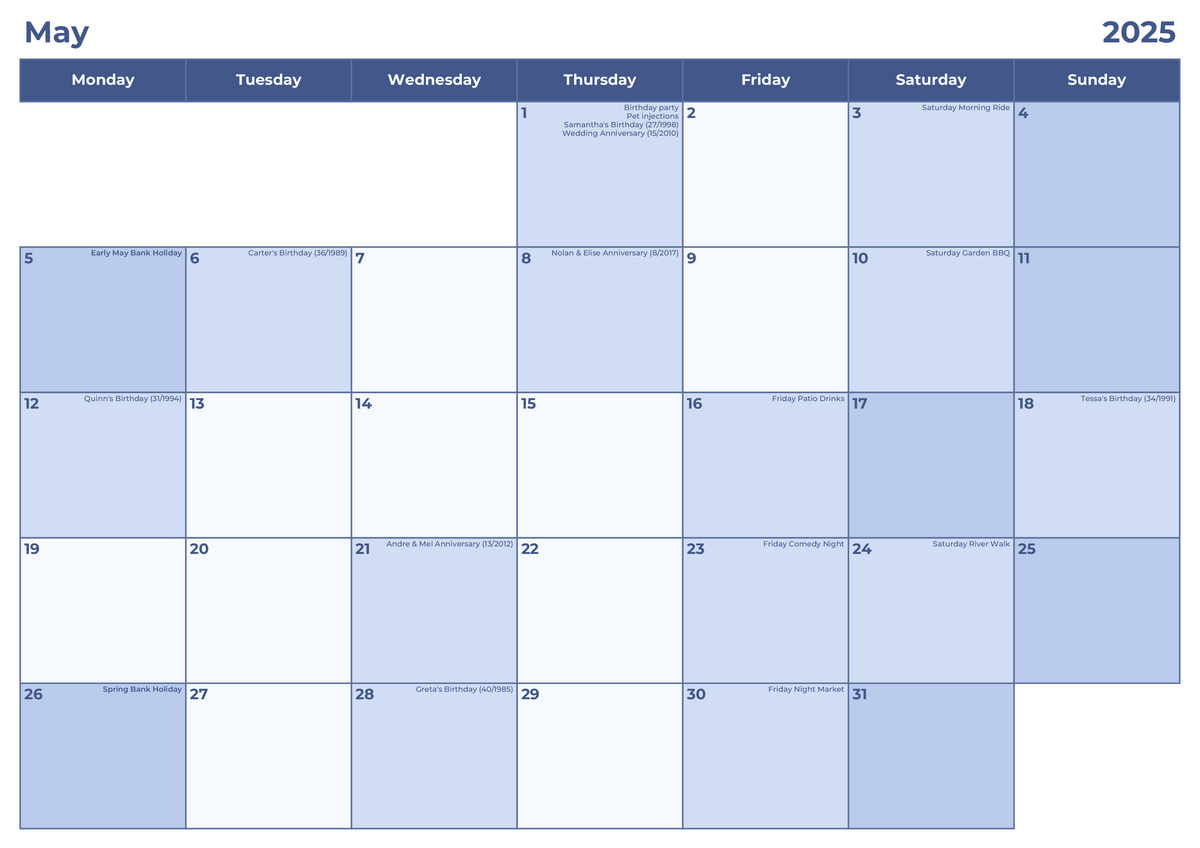
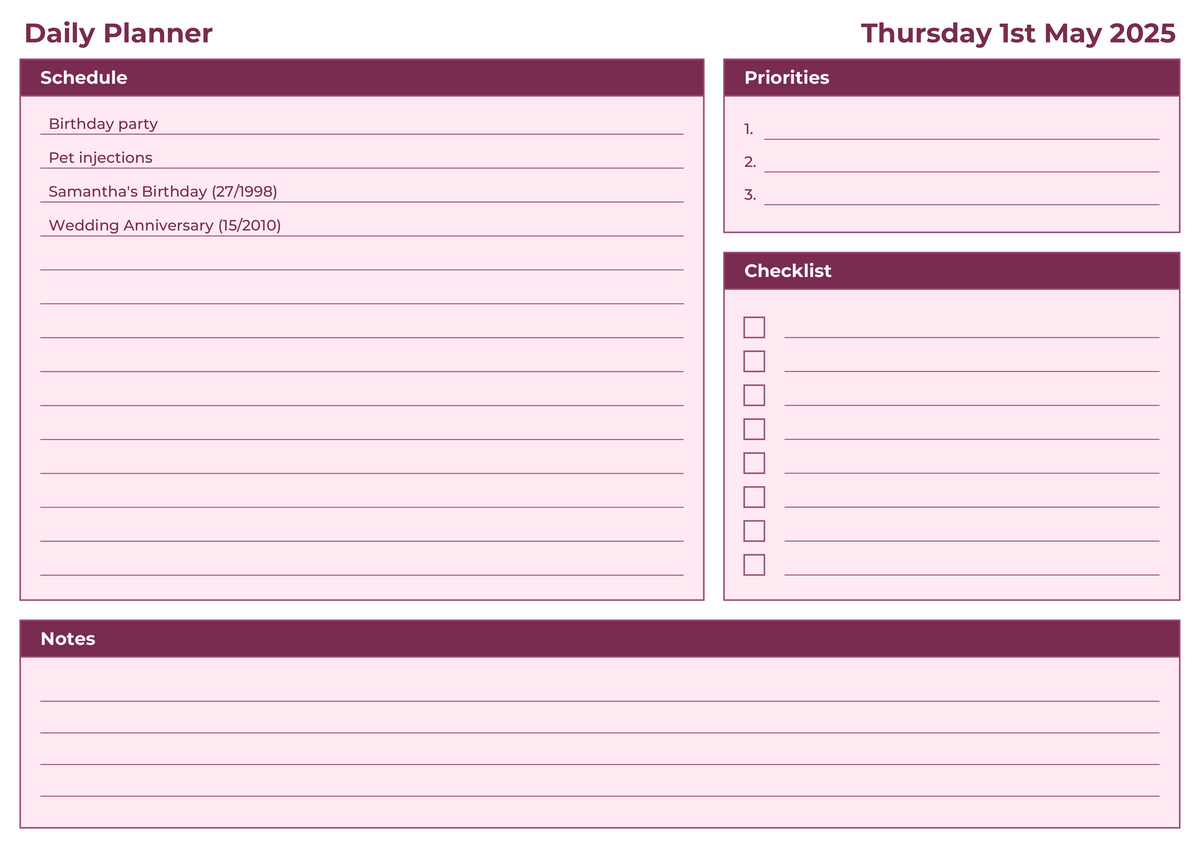
One set of dates, three outputs
Switch between month, week, and day without re-entering anything. See pricing for plan details.
Enter once
Add events, birthdays, and anniversaries a single time and reuse them across every layout.
Multi-view ready
Print monthly, weekly, or daily planners from the same dataset—no extra prep required.
Google Calendar friendly
Layer in recent appointments from Google Calendar or any iCal feed before you export.
Recurring by default
Birthdays and anniversaries repeat automatically year after year.
What you can tailor
Events & holidays
Add personal events alongside regional holidays so nothing is missed, no matter the view.
Reusable styles
Pick colorways for each view and reuse them across every PDF you generate.
Printer-friendly PDFs
Ready for A4, letter, or custom sizes with crisp text and balanced margins.
Fast rebuilds
Save your preferences and regenerate updated calendars whenever plans change.
Internet calendars
Subscribe to Google Calendar and other iCal feeds; the latest appointments stay in sync.
How it works
- Choose a calendar format
- Add your dates and events
- Download and print
Ready to build?
Create your calendar in minutes and print it right away.